Using the ReciteMe Accessibility Tool on our Website
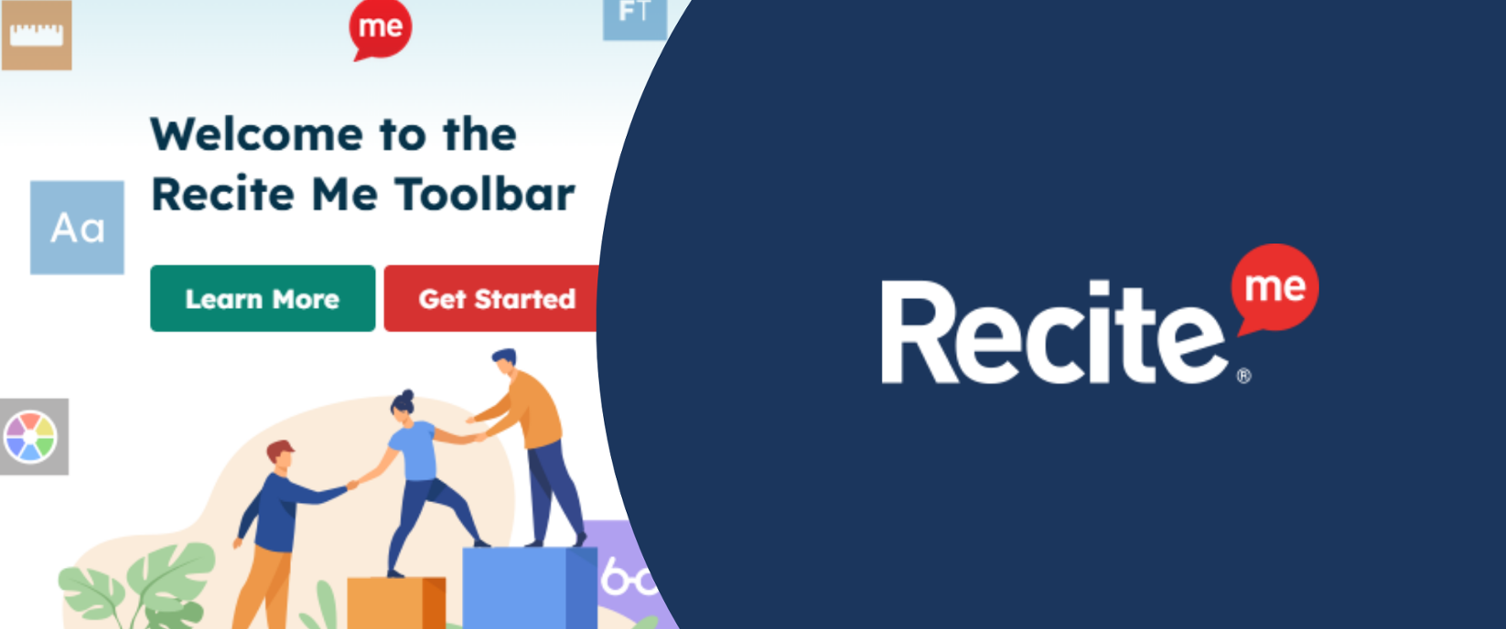
Did you know that the ReciteMe Accessibility Tool is available to use across our website?
ReciteMe is an advanced digital accessibility toolbar designed to help users customise their online experience to meet individual needs. With this feature, you can easily adjust settings such as font size and style, colour contrasts, have text read aloud, and even translate website content into over 100 different languages.
This tool is tailored to support people with a variety of needs, including visual impairments and neurodiverse conditions like dyslexia. The ReciteMe toolbar includes features like:
- Text to Speech: Converts on-screen text into spoken words.
- Text Size Options: Increase or decrease font size for better readability.
- Font Customisation: Adjust line height, character spacing, and font style.
- Language Translation: Translate content into a wide range of languages.
- Colour Themes:
- Dark mode
- Monochrome
- Colour schemes for colour blindness
- Focus Tools:
- Ruler tool
- Screen mask to aid concentration and readability
- Cursor Options: Change the size or colour of the cursor for better visibility.
- Additional Tools:
- Hide images
- Automatically pause videos and animations
- Image description tool for visual content
To start using the ReciteMe toolbar, click the ReciteMe icon at the top of any page on the Aneurin Bevan University Health Board website. From there, you’ll find a range of options to personalise your browsing experience.
The video below demonstrates how the ReciteMe tool works: